How to book
Quick, secure, and all in the app. No phone tag, no admin drama.
Download Brooklyn Hourly Offices
Scan the QR for your device and install. iOS & Android supported.
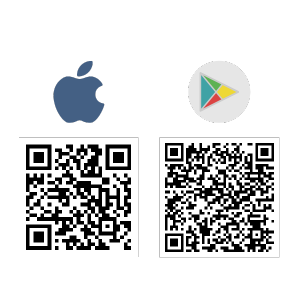
Alternatively, click the links below for your device and install.


Apply in-app
Open the app and enter the requested info to request access.
Respond to our email
Send your business credentials. Can’t find it? Check spam or Promotions. We’ll approve you or ask for more info.
Read the welcome email
Please read carefully and watch the short videos—we cover keys, etiquette, and quick tips.
Book your space
In the app, choose a room that fits your schedule and reserve with a few taps.
Arrive, unlock, and tidy up
At your reservation time, tap Lock in the app to open the door. Enjoy, get work done, and leave it ready for the next person.
Questions? Message us in-app any time.